Hijacked Bitly Links Show Why Old Brand Posts Can Become Risky
- Richard Martinez
- 590 reads
Expired Bitly links in old McDonald’s and Burger King posts were redirected. The incident shows why a familiar account doesn’t guarantee a link is still safe.

A familiar brand name can lend an old social media post a sense of trust, but it can’t guarantee that the post’s link still leads to its intended destination. Expired Bitly links in posts from McDonald’s, Burger King and other brands were redirected to unrelated pages, exposing a weakness in how long-lived shortened URLs can be managed.

The incident highlights a practical distinction for anyone reviewing or sharing older posts: the account that published a message and the service that controls its link are separate parts of the chain. A post can remain untouched while its destination changes.
How an old link was redirected
Bitly shortens long web addresses into compact URLs. When someone opens one, Bitly sends the browser on to the destination associated with that short link. That makes links easier to share, but it also means the visible address doesn’t reveal where the browser will ultimately go. As Malwarebytes has explained, a shortened URL can obscure its destination from a person deciding whether to click.
In the cases described, attackers took advantage of a flaw Bitly associated with expired links. They changed where old short URLs led, while the brand posts containing those URLs stayed in place. That means the attackers didn’t need to alter a company’s social account or edit its historical posts to make the links misleading.
One example was a McDonald’s post dated June 7, 2011. It said, “Check out what our McDonald’s team in Sweden did.” The shortened link attached to the post was redirected to Wikipedia’s page about the September 11 attacks.

Bitly said it had suspended the accounts involved and was disabling the affected links. After that action, the link in the post led to an error page rather than its earlier destination.
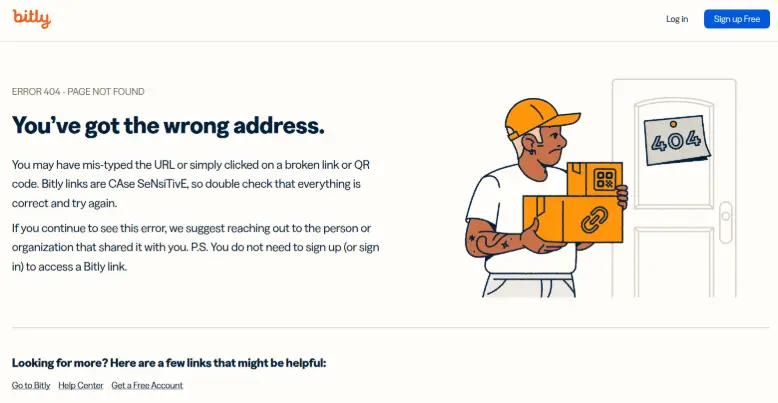
Coverage by Cybernews described redirects to unrelated Wikipedia pages. That outcome was disruptive and could make brands appear to endorse material they never chose to link to. The same type of redirect could be more harmful if it led to a phishing page, a fake promotion, or a malicious download.
The weak point is the link’s lifetime
Short URLs are a small piece of infrastructure with a potentially long public life. They can persist in social posts after the original marketing activity has ended, and they may be copied into other pages or messages. If the shortening service later allows a link to be reassigned or redirected after expiration, old references can outlast the assumptions that made them safe.
For organizations, the incident is a reminder to include link management in the care of archived social content. Teams that use shorteners can track which links remain active, understand what happens when they expire, and check old posts when a provider reports a problem. The source material doesn’t specify how many links were affected or how long they had been vulnerable, so the scope remains unclear.
For readers, the main lesson is simpler: trust in the publisher doesn’t verify the current destination. A recognizable brand account may have posted a link years ago, but that history alone says nothing about where the short URL leads today.
Check the destination before opening it
On a computer, hovering over a link can expose the address behind its visible text. With a shortened URL, though, that preview may still show only the shortener’s domain. It doesn’t necessarily tell you the final page after redirection.
If a link seems unexpected, copy it without opening it and inspect it with a link checking service that follows redirects. For example, Malwarebytes Scam Link Check says it scans a site and its redirects, then returns a result and suggested next steps. Avoid entering passwords or payment details on a page reached through a link you weren’t expecting.
For requests involving a sign-in, payment, or account problem, go to the service through its app or by entering a web address you already know. If a link leads somewhere surprising, stop and verify the destination independently. An encrypted connection marked HTTPS protects the connection to a site, but it doesn’t prove the site is legitimate; phishing pages can use HTTPS too, as Malwarebytes has noted.
Browser protection can provide another check by flagging suspicious pages, but it doesn’t replace careful handling of links. The Bitly incident makes the lasting point clear: a post can stay genuine while its link changes. For readers and the teams managing archived posts, the destination deserves its own check.


