Mentor AI Guides Python Learners Through a Failing Coding Exercise
- David Johnson
- 703 reads
Mentor AI uses exercise context and test results to offer targeted hints for a Python bug involving mutable default arguments.

When a Python exercise keeps failing, seeing the answer may get the tests to pass while leaving the underlying bug unexplained. Mentor AI, a tutor built into the Real Python learning platform, is designed to help learners investigate a failure through hints and questions while keeping the code and reasoning in their hands.
The tutorial centers on a common Python pitfall: a mutable list used as a function’s default argument. It also demonstrates a practical sequence for getting help: run the tests, inspect the results, ask a focused question, and use the response to check your own understanding. That approach makes the tutor more useful as a learning aid than as a shortcut to a finished solution.
Help that can see the exercise context
Mentor AI is available from the round control at the bottom-right of a Real Python page, or with the Ctrl+M shortcut. The control can be dragged elsewhere on the screen if it obscures something. The tutor can identify the tutorial, lesson, or exercise currently open. On an exercise page, it can also inspect code that has been run and the resulting test outcomes, so learners don’t need to paste that information into the chat.
That context changes the shape of the interaction. A learner can ask why a particular test failed, request a hint, or ask a question that checks their understanding. If an explanation isn’t enough, they can ask for an example, request a review of their solution, describe the code back to the tutor, or take a short quiz. The useful distinction is that help can stay scoped to the current task instead of starting with a general description of the problem.
The exercise used here, Fix the Sticky Default List, is part of the Python’s None: Null in Python course. It assumes familiarity with functions, default arguments, and appending items to lists. The exercise is available to Real Python members, and using Mentor AI requires signing in with access to the feature.
Why the list keeps its old values
The task asks learners to repair add_element(). The function should append a new item to a supplied list and return that same list. When no list is supplied, it should begin with an empty one. The starter code is:
def add_element(new_elem, starter_list=[]):
    """Append new_elem to starter_list and return the list."""
    starter_list.append(new_elem)
    return starter_list
At first glance, the empty list looks like a reasonable default. The catch is when Python creates it: a default argument is evaluated once, when the function is defined, rather than each time the function is called. Because lists can be changed in place, each call that omits starter_list appends to that same list.
>>> add_element(1)
[1]
>>> add_element(2)
[1, 2]
The second call is expected to produce [2], but the earlier value remains. This behavior can be surprising because the function call looks as if it starts fresh each time, while its default list has persisted between calls. The bug is a useful example of why test names and observed output matter: they help narrow the problem to the behavior the function promises.
Start with the test results
The recommended first move is to open the exercise and select Run Tests without changing the starter code. A results panel shows which checks pass and which fail. Each test has a short name describing what it checks, giving the learner a concrete place to begin before asking for help.

Because Mentor AI can read the exercise’s test results, a learner can ask about a failing check without copying the code or output into the chat. A focused prompt such as asking why one named test failed gives the tutor a clear target. If the learner wants to preserve the problem-solving step, asking for a hint keeps the response from becoming a complete replacement solution.
That workflow also gives learners a way to judge the advice. They can compare an explanation with the failing test, make a change, and run the checks again. Passing tests confirm that the code meets those checks; understanding why the default list persisted requires connecting the result to Python’s function argument behavior.
Use the tutor to test your reasoning
A useful tutoring session can go beyond asking for a fix. Learners can predict what a call will return, explain the result in their own words, then ask Mentor AI to check that explanation. They can request an example if the distinction still feels abstract, or ask for a review after writing a solution themselves.
This style of help suits a specific learning problem: being stuck on a task where the tests provide evidence but not yet an explanation. It can reduce the friction of moving from a failing check to a targeted question, while leaving room for the learner to make and verify the change. The tutor’s responses may vary from one session to another, so the examples are best treated as illustrations of the interaction rather than fixed scripts.
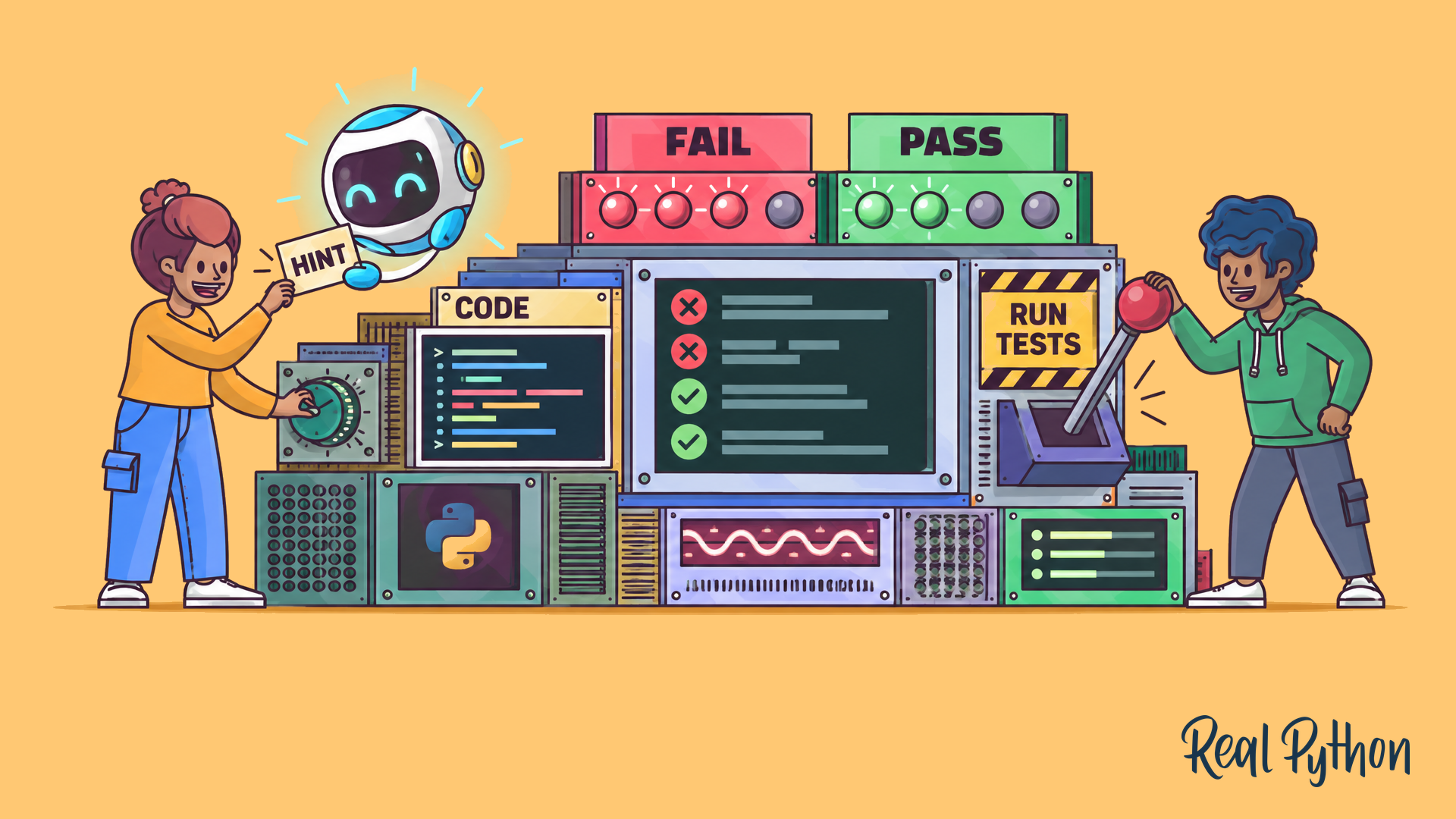
The accompanying interactive quiz lets learners practice the same ideas, including mutable defaults and checking for None with is. Its illustration shows a tutor offering a hint alongside a test setup:
The practical value here depends on how the tutor is used. A direct answer can resolve the exercise quickly; a question about one failing test can help expose the reasoning behind the failure. For learners working through Python exercises, the second path is the more instructive one—and the test results provide a concrete way to check whether their understanding holds up.


